 by
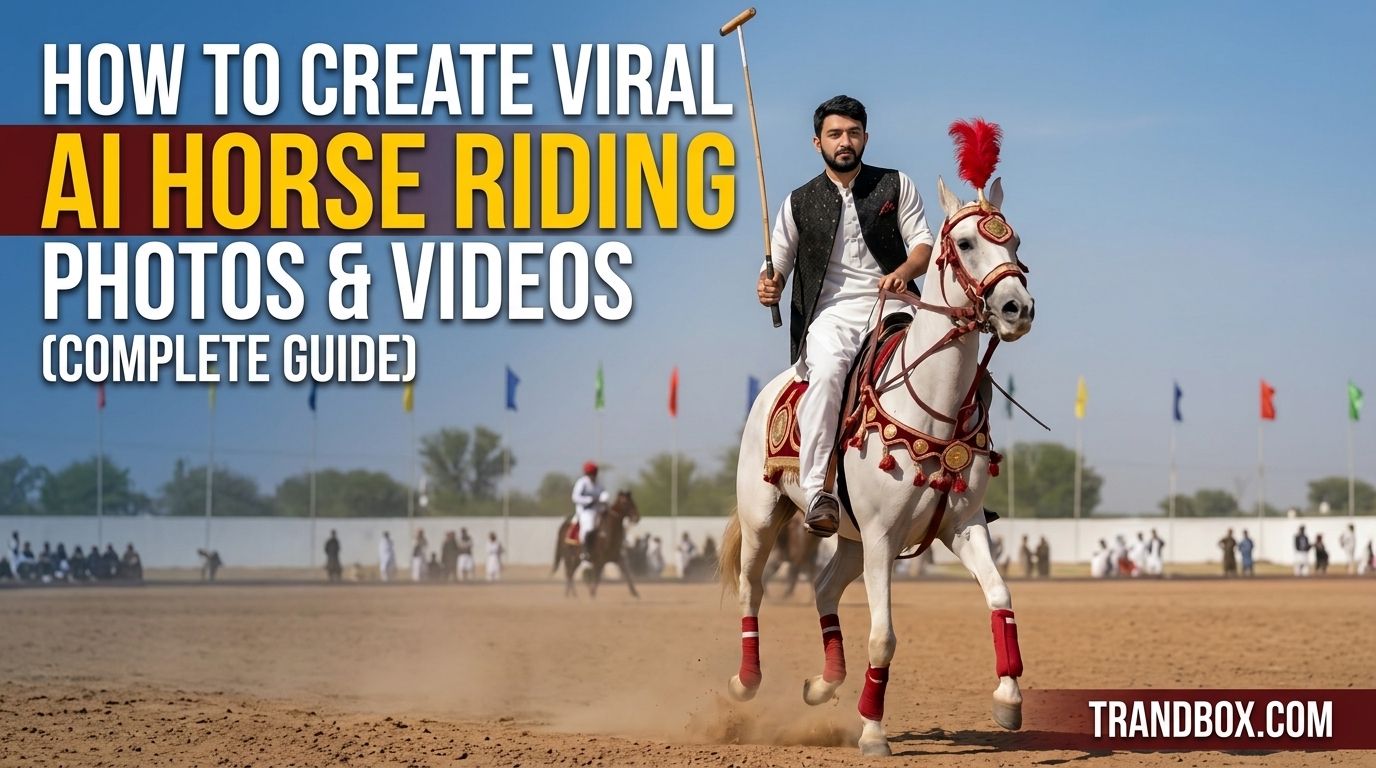
by Let’s be real for a second. We’ve all seen those insanely aesthetic videos taking over our social media feeds. A lone cowboy riding through a dusty canyon at sunset. A dark, masked knight on a massive black horse galloping through the fog.
A few months back, a clip exactly like that popped up on my TikTok For You page. The lighting was unreal. The dust kicking up from the hooves looked like it was shot on a $50,000 RED cinema camera. It had millions of views and hundreds of thousands of saves.
I clicked on the creator’s profile to see who the videographer was. The bio just said two words: “Digital Creator.”
A human didn’t shoot that video. Nobody was standing in a canyon. It was 100% AI. And honestly? It completely blew my mind.
I immediately wanted to figure out how to do it. But my first few weeks of trying were a complete disaster. I’m talking horses with five legs. Riders whose heads were on backward. Videos where the horse would take two steps and then randomly melt into the grass. It was incredibly frustrating.
Most people online will tell you that you need a crazy, complicated workflow jumping between four different expensive AI platforms to get good results. But after a lot of trial and error (and a few shadowbanned test accounts), I figured out a much simpler way.
I moved almost my entire workflow over to Gemini. Since I use the paid tier, it has the image and video generation tools built right in, which saves me from jumping between tabs all day.
If you want to build a page around these viral, cinematic equestrian edits—without making the same stupid mistakes I did—here is my exact, unfiltered process from start to finish.
The Setup: What You Actually Need
Before we get into the generation part, let’s set expectations. You can’t just type “make a cool horse video” and expect to go viral. You need a setup.
-
Gemini Advanced: You are going to need access to the premium tier. The free versions of most AI tools out there are decent for writing emails, but for high-end, photorealistic image and video generation, you need the heavy-hitting models.
-
CapCut: You can use the mobile app or the desktop version. AI gives you the raw clay; CapCut is where we sculpt it into a viral video.
-
A specific vibe: Don’t go in blind. Decide right now if you are making a moody winter edit, a warm summer sunset vibe, or a dark fantasy clip. Consistency is what makes an account blow up.
Step 1: The Anchor Method (Generating the Image)
This is the biggest secret in the AI video space. Do not try to generate a video straight from text.
If you tell an AI to generate a video of a horse running from scratch, it has to invent the lighting, the horse’s anatomy, the rider’s clothes, and the background environment all while trying to figure out how everything moves. The AI gets confused, and you get a deformed, weird-looking result.
Instead, we use a two-step process. First, we create a flawless still photo. Then, we bring it to life.
Open up Gemini. You are going to ask it to create an image. I’m not going to give you exact prompts to copy-paste, because the algorithm punishes accounts that post the exact same things as everyone else. You need to write your own, but you should structure them like a professional photographer.
Break your request down into these pieces:
-
The Subject: Is it a majestic Friesian horse? A wild mustang? Who is on its back?
-
The Environment: Be specific. “A rainy cobblestone street at night” gets a much better result than just “in a city.”
-
The Lighting: This is what makes people stop scrolling. Ask for “cinematic backlighting,” “golden hour sun rays,” or “moody overcast lighting.”
-
The Camera Angle: A low-angle shot makes the horse look dominant and huge. A wide drone shot shows off the epic landscape.
-
The Aspect Ratio (Crucial): If you are posting to Shorts, Reels, or TikTok, you must tell Gemini to generate the image in a vertical format (9:16 aspect ratio). If it spits out a square image and you try to crop it later, it’s going to look pixelated and terrible on a phone screen.
Take your time here. If Gemini gives you a horse with weird hooves or floating reins, don’t just accept it. Tell the AI what’s wrong and ask it to try again until you have an image that looks like a real, award-winning photograph.
Step 2: Waking it Up (Generating the Video)
Alright, you have your perfect image sitting in the chat. Now we make it move.
Because we are already in Gemini, you can seamlessly transition to video. You are going to tell the AI to use that exact image you just perfected as the first frame of a new video.
By feeding the image back into the system, the AI no longer has to guess what the horse or the rider looks like. It only has to focus on the physics of movement.
When you write your motion instructions, keep this one rule in mind: Less is more.
Fast action is the enemy of current AI models. If you ask for a full-speed gallop, there is a 90% chance the horse’s legs will turn into a blurry, unnatural mess. The most viral videos on social media aren’t fast; they are dramatic.
-
Ask for a “slow-motion walking pace.”
-
Tell the camera to slowly pan up from the ground to the rider.
-
If you don’t want the horse to walk at all, animate the environment. Tell Gemini to make the horse stand perfectly still while heavy rain falls, or while the wind blows intensely through the horse’s mane and tail.
Generate a few variations. I usually run the exact same prompt 4 or 5 times. You have to be patient. Watch the outputs closely. Look at the rider’s face—did it warp? Look at the horse’s ears—did they randomly disappear? Trash the bad ones and save the single clip that looks flawlessly real.
Step 3: The Viral Packaging (CapCut)
You now have a 4 or 5-second video that looks incredibly real. But raw AI footage rarely goes viral on its own. It feels a little too perfect. It lacks the grit and texture of a real camera lens.
Download your generated video and throw it into CapCut. Here is my exact editing checklist:
1. Fix the Pacing If the AI movement feels a little too fast or slightly unnatural, use CapCut’s speed tool. Drop the speed down to 0.8x or 0.7x and turn on “Optical Flow” (or smooth slow-mo). This covers up minor AI glitches and makes the footage feel dreamier.
2. Add Camera Texture Go to the Effects tab. Search for “Film Grain” and put it at about 15%. This instantly makes the video look less like a computer render and more like it was shot on vintage film. I also like to drop the saturation just a tiny bit and bump up the contrast so the shadows look deeper.
3. The Audio Hook Do not use random songs. The sound is literally half the video. Go onto Instagram or TikTok and search for “cinematic audio,” “dark country,” or “epic instrumental.” Look for sounds that have the little upward trending arrow. Sync the coolest part of your video (like the horse tossing its head) right to the beat drop of the music.
4. The POV Text Hook People have zero attention span. A cool video might make them watch for two seconds, but a relatable text hook will make them watch it on a loop.
Put a small, clean text box somewhere near the middle of the screen (away from the like and share buttons). Give the viewer a mini-story. Try things like:
-
“POV: You decided to disappear for a while.”
-
“Late night rides cure everything.”
-
“The only therapy that actually works.”
The Hard Truth About Mistakes
I want to save you a few weeks of frustration by sharing the dumb stuff I did when I started.
First, I ignored platform safe zones. I spent hours generating a beautiful video, put text right at the bottom, and when I posted it to TikTok, the caption totally blocked my text. The like buttons covered the horse. Always keep your subject dead center.
Second, I tried to get too crazy with the prompts. I asked for a horse jumping over a burning car. The AI had a total meltdown. The horse literally morphed into the car and drove away. Keep it moody, keep it simple, and let the editing do the heavy lifting.
Building a viral page using AI isn’t about spamming the internet with random generated clips. The barrier to entry is super low right now—anyone can type a prompt. The people who actually get millions of views and build real followings are the ones who treat AI like a real camera.
Focus on the vibe. Spend the extra time fixing the weird lighting in step one. Spend an annoying amount of time picking the perfect audio track. Get your vision locked in, open up your workflow, and start creating.
🔥 Unlock AI Image & Video Prompts
Click the button below to generate the secret prompts for both the Photo and the Cinematic Video.